How to Build a Multicam Setup with iPhones and iPads (Budget-Friendly Creator Workflow)
Disclosure: Some links in this post are affiliate links. If you purchase through them, we may earn a commission at no additional cost to you. We only recommend tools we actually use or would confidently use on real productions.
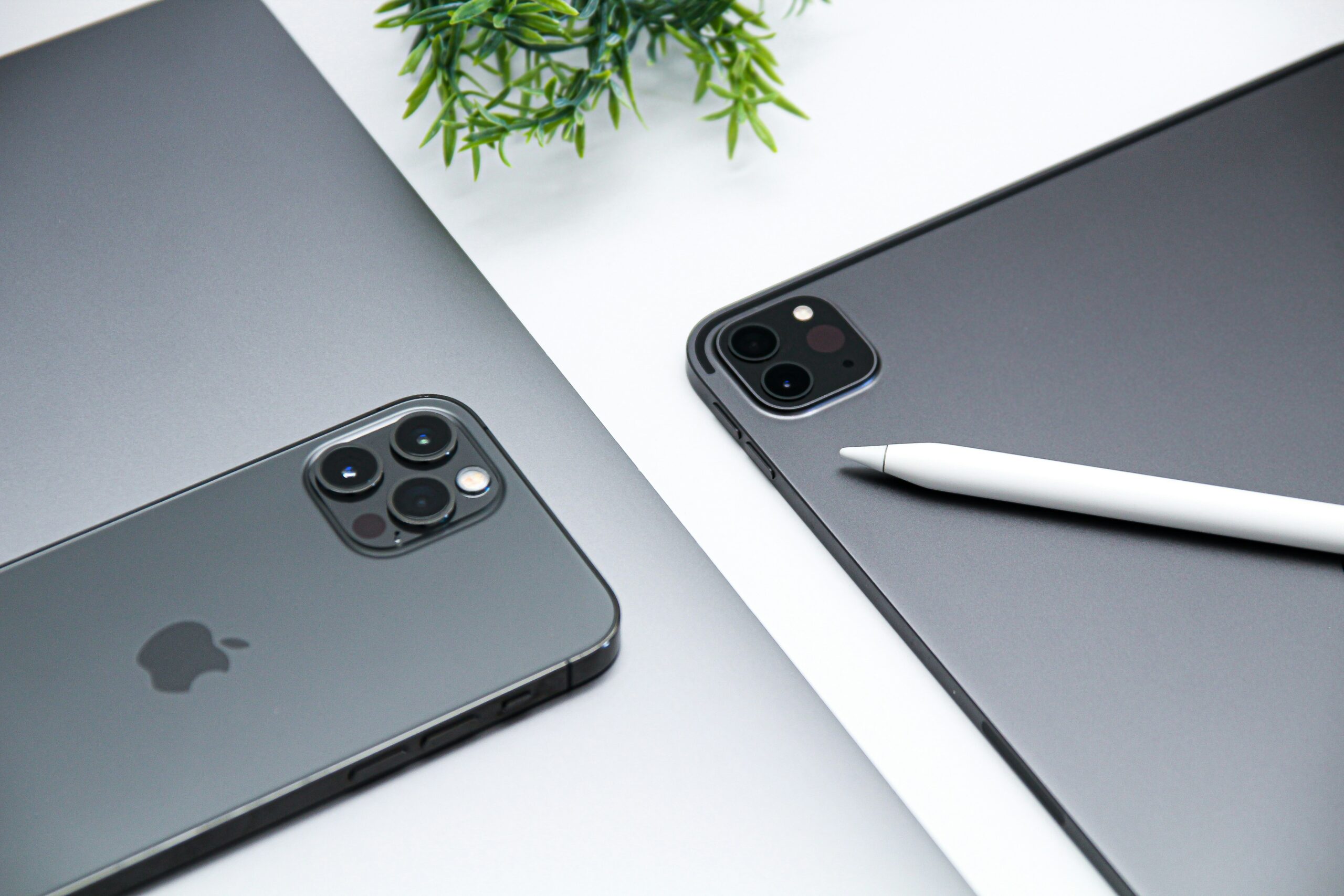
Aye, let me show y’all real quick — you don’t need a $10k cinema kit to start a podcast or produce content. With two iPhones, an iPad, and the Final Cut Camera app, you can run a legit multicam setup that looks polished and edits clean inside Final Cut Pro for iPad.
Why Use the Final Cut Camera App?
- All devices record in matching formats and frame rates.
- Manual control over ISO, shutter, focus, and white balance.
- Remote monitoring and recording from your iPad.
Want to learn Final Cut Pro for iPad step by step? Check out this Final Cut Pro for iPad tutorial .
How I Set Up My Multicam Shoot
Audio: Keep It Simple
The DJI Mic Mini plugs straight into your phone or iPad and gives you clean wireless audio with zero headache.
Lighting on Any Budget
- Key Light — LED panel (~$100)
- Accent Lighting — LED strips
Final Thoughts
The Final Cut Camera app + iPhones + an iPad is a powerful, affordable multicam workflow. Start with what you own and build consistency before chasing expensive gear.